sentinel-kit
🎯 Sigma Rules Management
This guide covers creating, managing, and deploying Sigma detection rules in Sentinel Kit for automated threat detection.
Understanding Sigma Rules
Sigma is a standard format for writing detection rules that work across different SIEM platforms. In Sentinel Kit, Sigma rules are converted to Elasticsearch queries and processed by Elastalert.
Rule Lifecycle
Create/Edit → Validate → Deploy → Monitor → Update
Rule Components
- Detection Logic: Search conditions and filters
- Metadata: Title, description, references, tags
- False Positive Handling: Exceptions and filtering
- Alert Configuration: Severity, notification settings
Accessing Rule Management
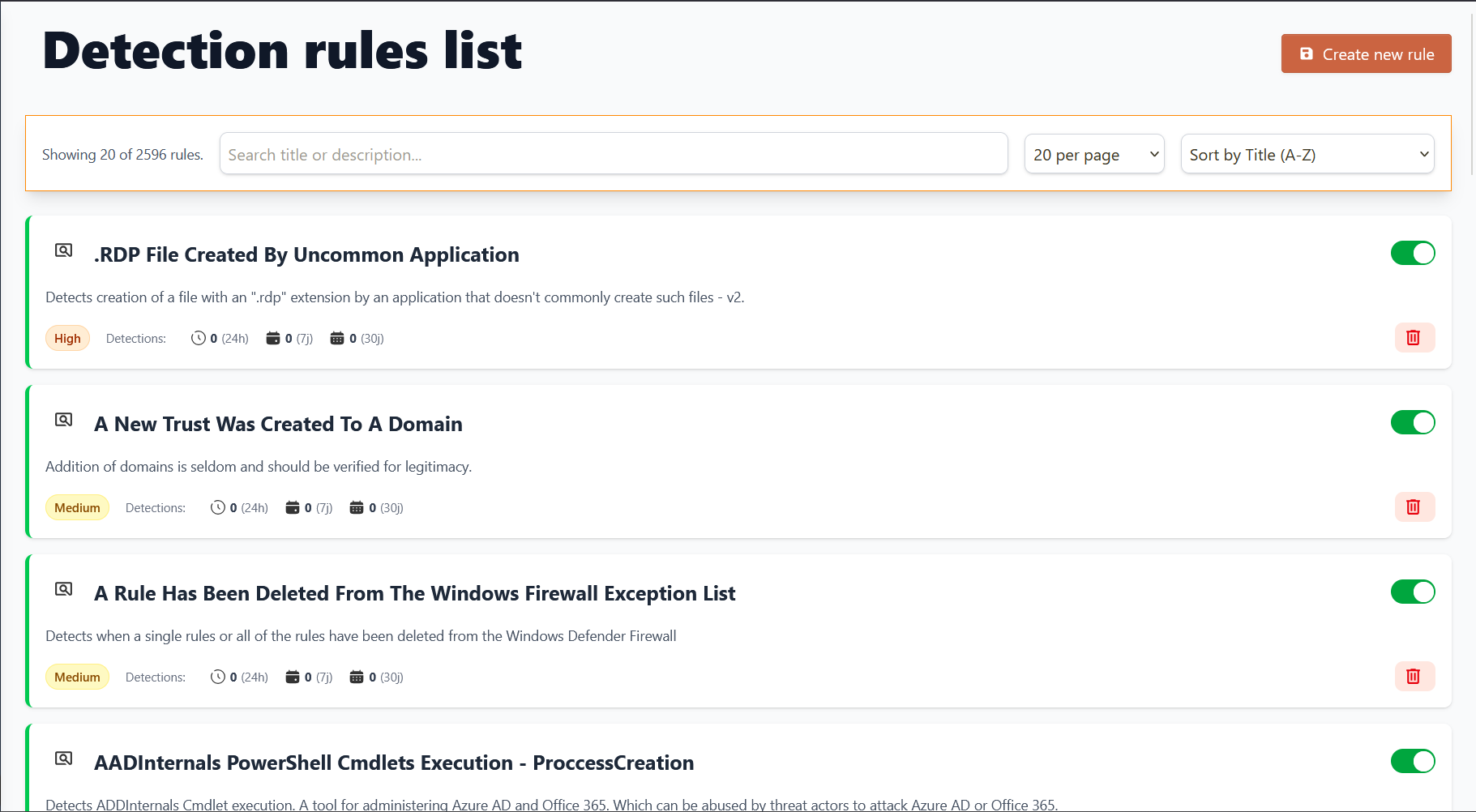
Via Dashboard Interface
- Navigate to Rules:
- Main Dashboard → Sigma Rules
- View all active and inactive rules
- Check rule status and last execution
- Rule Categories:
- Active Rules: Currently deployed and monitoring
- Draft Rules: In development or testing
- Community Rules: Imported from Sigma community
- Custom Rules: Organization-specific detections
Creating Your First Rule
Using the Rule Editor
- Access Rule Creation:
- Dashboard → Sigma Rules → “Create New Rule”
- Choose from template or start blank
- Select rule category and severity
- Basic Rule Structure:
```yaml
title: Failed Login Attempts Detection
id: 12345678-1234-1234-1234-123456789abc
status: experimental
description: Detects multiple failed login attempts from same source
references:
- https://attack.mitre.org/techniques/T1110/ author: Security Team date: 2024/01/01 tags:
- attack.credential_access
- attack.t1110 logsource: category: authentication product: web_application detection: selection: event_type: ‘login_failed’ source_ip: ‘*’ condition: selection | count(source_ip) > 5 timeframe: 5m falsepositives:
- User entering wrong password multiple times level: medium ```
Rule Editor Features
Syntax Highlighting: Real-time Sigma syntax validation Field Suggestions: Auto-complete for log fields Preview Mode: Test rule logic before deployment Version Control: Track rule modifications and history
Rule Components Explained
Title and Metadata
title: "Descriptive Rule Name"
id: "unique-uuid-identifier"
status: "stable|test|experimental"
description: "What this rule detects and why it matters"
author: "Rule creator or team name"
date: "2024/01/01"
modified: "2024/01/15"
Log Source Definition
logsource:
    category: "authentication|process_creation|network_connection"
    product: "windows|linux|apache|nginx"
    service: "security|application|system"
Next Steps
With Sigma rules deployed:
- Monitor and Investigate Alerts - Learn alert triage workflows
- Platform Health Monitoring - Monitor rule performance